

MapTac
See where you've been — and how you got there.
All automatically.
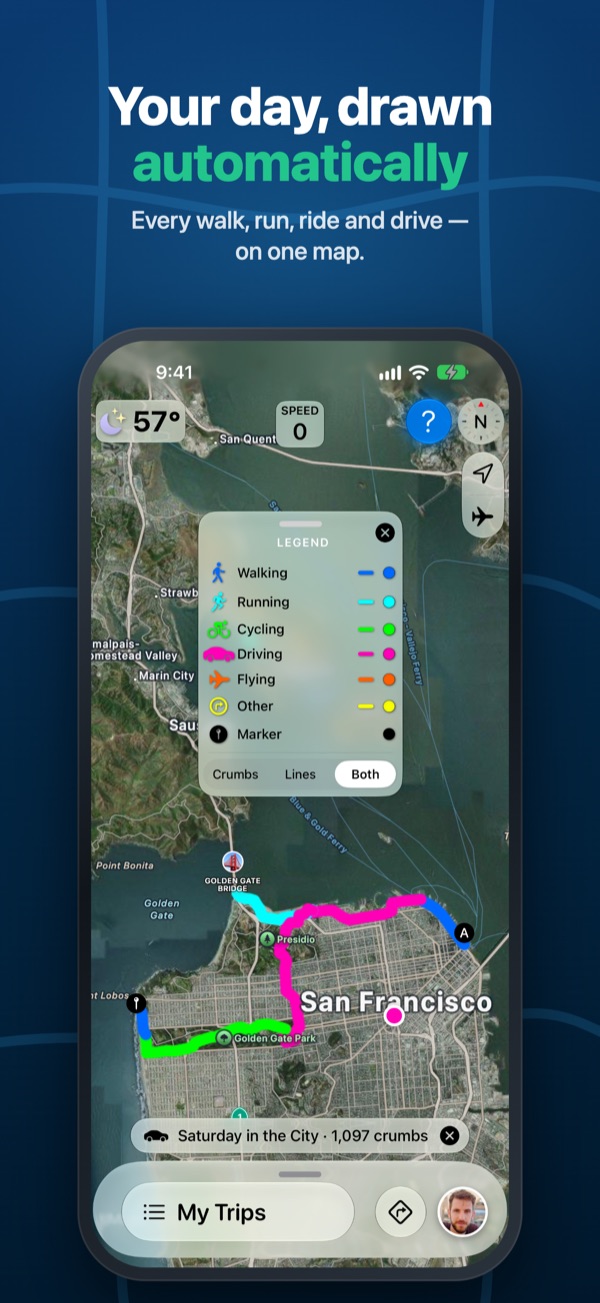
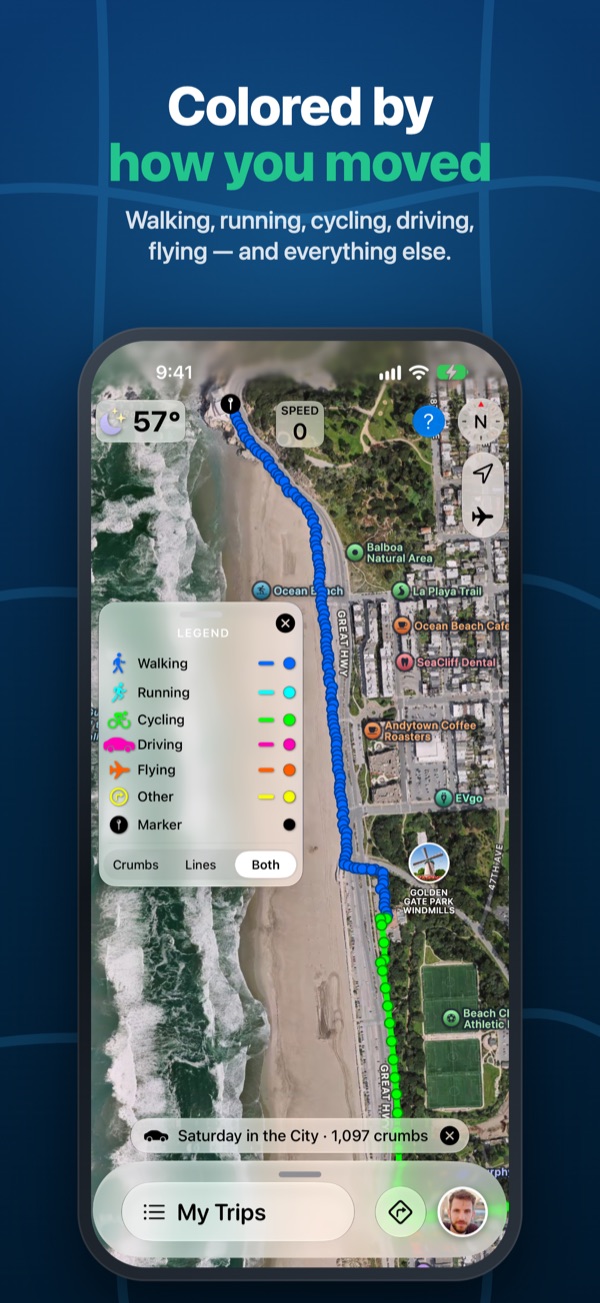
MapTac draws where you go as a trail of crumbs on the map — as you walk, run, ride, drive, or fly. It tells those activities apart, colors the trail by each one, and rests the GPS when you stop so your battery lasts. Every day is saved as its own trip on your iPhone, ready to share as a file or reload onto the map any time.
Free. No ads. No account. Your trips stay on your iPhone.
Every Trip, Crumb by Crumb
Colored by how you were moving — pick each color yourself.
What MapTac Does
Simple to use, with the details there when you want them.
🗺️Live Crumb Trail
A live trail records where you have been, even with the screen off or another app in front. Pause and resume it from its status line.
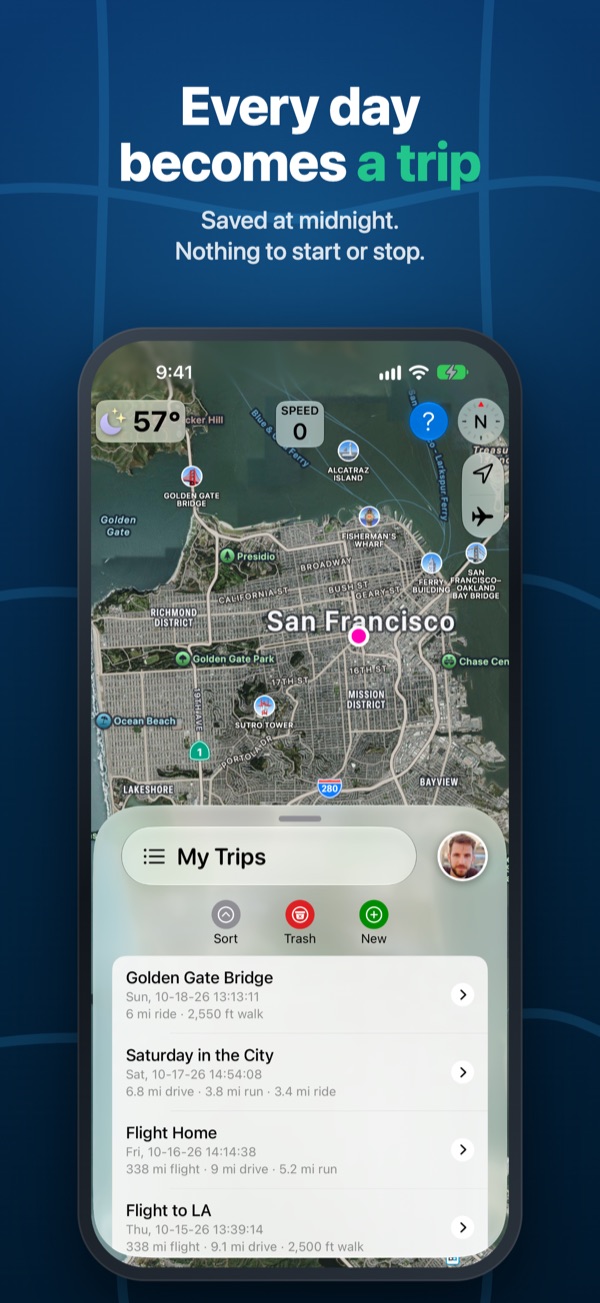
🗓️A Trip for Every Day
At midnight, the day's trail is saved as its own trip in My Trips — a running journal of everywhere you've been, with nothing to start or stop. Turn Auto Trip off in Map Settings any time.
🔋Battery Friendly
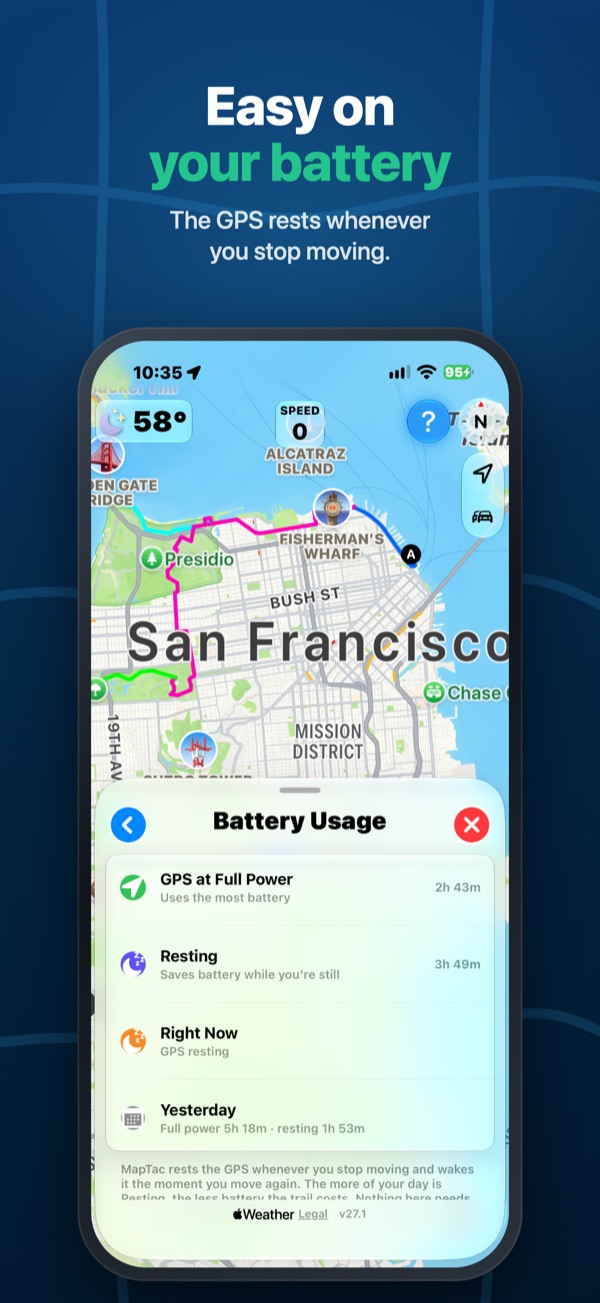
The motion sensor tells MapTac when you have stopped, so it rests the GPS until you move again. Forget it's running? No worries.
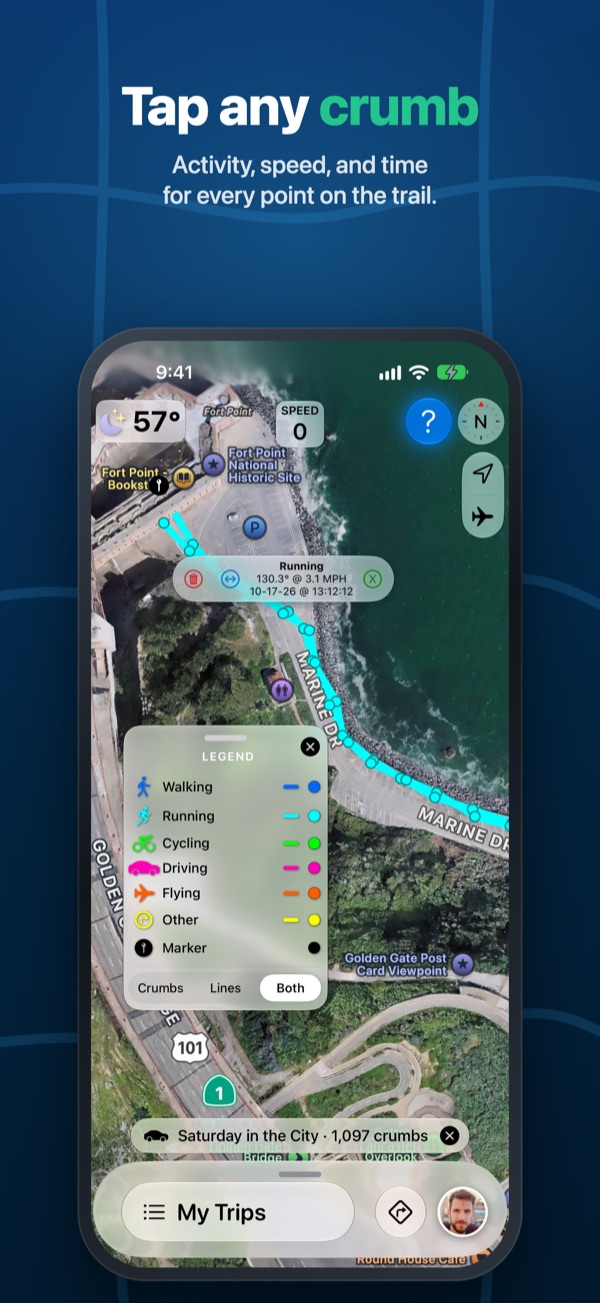
📍Tap Any Crumb
See the activity, speed, and time of any crumb. Relabel or delete a whole range of crumbs, and drop markers to pin a spot on the trail.
🗂️My Trips
Trips are saved newest first. Name, filter, and reload any trip onto the map. Removed trips can be restored until you delete them for good.
📤Share Trips
Send a trip as a .maptac file through AirDrop, Mail, or Files. Open one on another iPhone and it imports straight into My Trips.
🚗CarPlay
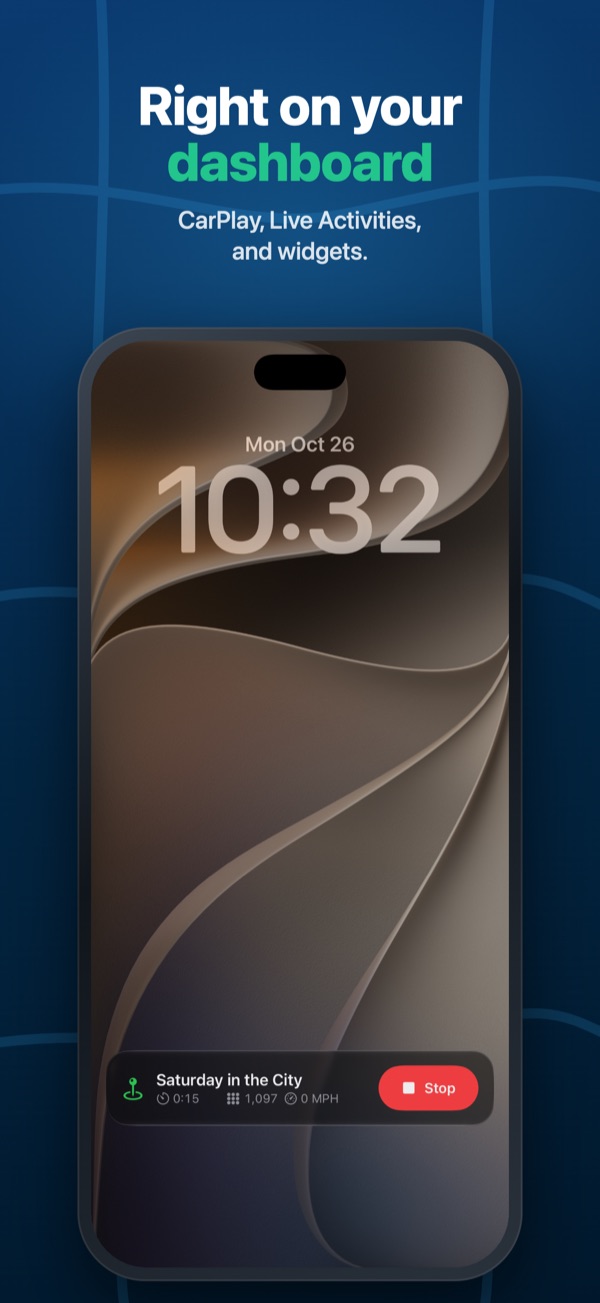
See your trail on your car's screen, colored by activity, with a recording line and trip stats at a glance.
📱Live Activity & Widget
Follow a recording trip from the Lock Screen and the Dynamic Island without opening the app.
🌤️Weather & Speed
Current conditions from Apple Weather on the map, a speed sign, and spoken updates as you go.
🧭Find Your Way Back
Get directions in Apple Maps to the start or end of any trip. Switch between standard, traffic, satellite, and 3D maps.
🔒Private by Design
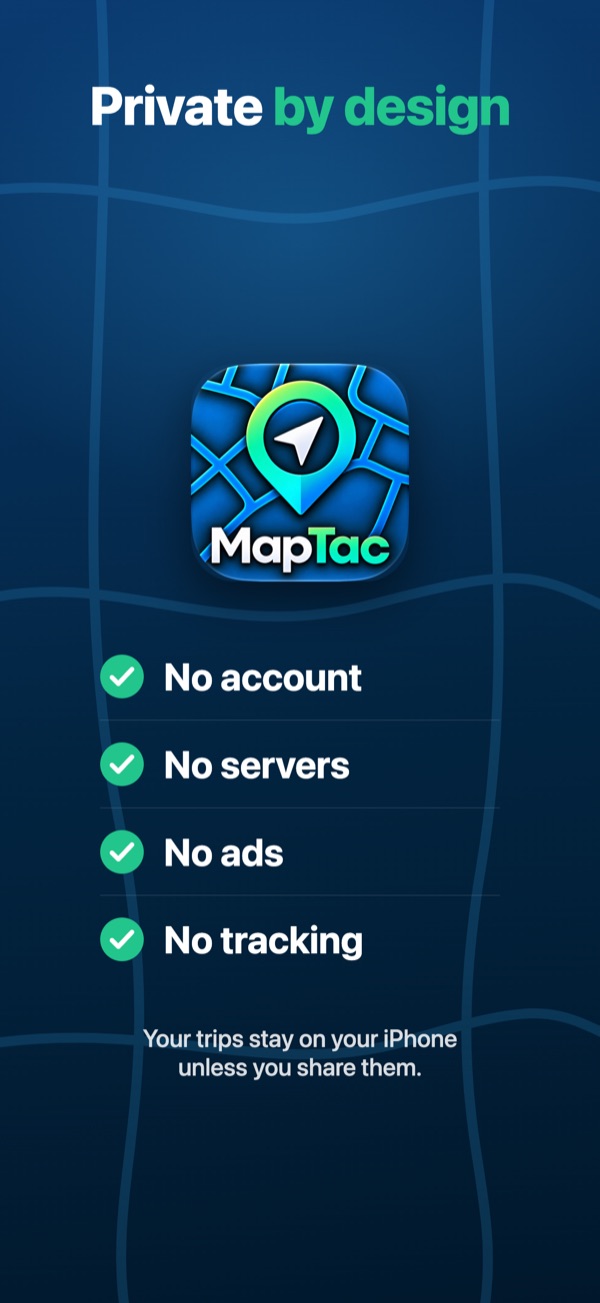
No servers, no analytics, no tracking. Every permission is explained before it is asked for, and your trips never leave your iPhone unless you share them.
👋Easy to Learn
A short welcome walks you through setup, and a guided tour shows what every button on the map does. Replay it any time from the "?" button.
Good to Know
- Requires an iPhone with iOS 27 or later. CarPlay is optional.
- Choose "Always" location access so the trail keeps recording in your pocket; with "While Using the App," MapTac records only while it is open.
- Motion & Fitness access lets MapTac tell activities apart and rest the GPS. Contacts access is optional and only fills in your profile from your own card.
- MapTac shows where you have been. It is not a navigation system — please don't handle your phone while driving.